Internet Access
How to get online in China. eSIM, VPN, roaming — what works and what doesn't.
Set Up BEFORE You Land!
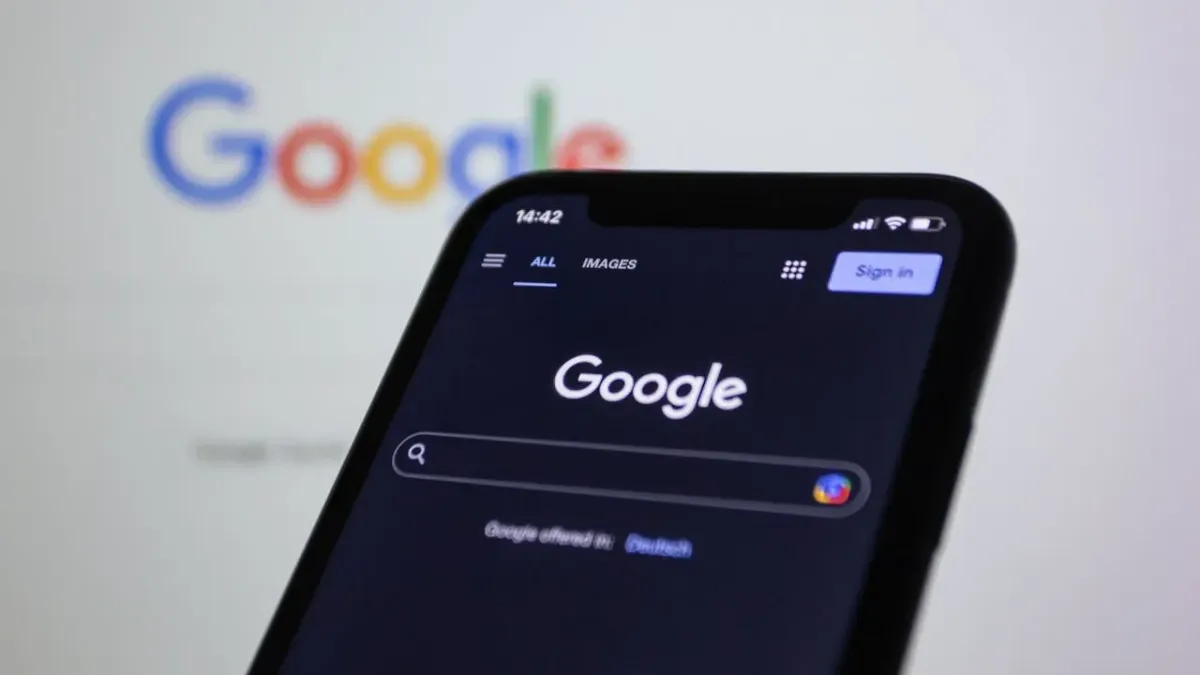
China’s internet is heavily restricted. Google, Facebook, X (Twitter), Instagram, YouTube, Reddit, WhatsApp and many other services are completely blocked.
If you wait until you arrive to set up internet access, you will struggle:
- You can’t download VPN apps (their websites are blocked)
- You can’t access your email to receive setup instructions
- You can’t even Google “how to get VPN in China”
👉 Do this at home, before your flight. It’s 100x easier.
What’s Blocked in China
The “Great Firewall” blocks these popular services. You WILL NOT be able to use them without a workaround.
| Category | Blocked Services | Chinese Alternatives |
|---|---|---|
| Search | Google, Bing (some) | Baidu (百度) |
| Gmail (web) | QQ Mail, 163.com | |
| Maps | Google Maps | Baidu Maps, Amap (高德) |
| Social | Facebook, Instagram, Twitter/X, Reddit | WeChat, Weibo, Xiaohongshu |
| Messaging | WhatsApp, Telegram, Signal, Line | WeChat (微信) |
| Video | YouTube, TikTok (international) | Bilibili, Douyin |
| Streaming | Netflix, Spotify, Disney+ | QQ Music, NetEase Music |
How to Get Online
Here are the 4 ways to stay connected, ranked from the most convenient to the last resort.
1. Travel eSIMs (The Gold Standard ⭐⭐⭐⭐⭐)
For 90% of travelers, this is the best move.
Top Picks: Airalo, Nomad, Holafly.
The Magic: These use “roaming data,” meaning your traffic is routed outside China. Instagram, Google, and WhatsApp work automatically without a separate VPN.
✅ Pros: Cheap, instant setup, no physical SIM card to swap or lose.
❌ Cons: No local Chinese phone number (which is needed for some deep-level local apps).
⚠️ The “eSIM Check”: Ensure your phone is compatible (iPhone 11+ or Pixel 3+ usually). Note: iPhones from mainland China, HK, or Macao often lack eSIM support.
Download and activate the eSIM while you are still at home. You need a stable connection to trigger the activation!
2. International Roaming (The “No-Fuss” Option 📱)
Best for short trips or business travelers who want zero setup.
How it works: Just turn on “Data Roaming” in your settings when you land.
✅ Pros: Zero setup. It “just works” natively with your home carrier (T-Mobile, AT&T, Vodafone).
❌ Cons: Expensive. Daily passes can cost $10+. Some carriers throttle your speed heavily after a few hundred MBs.
Don’t just fly and hope. Most carriers require you to manually enable international roaming before you leave. Be sure to check for a flat-rate “Global Day Pass” to avoid massive bill shock when you get home!
3. Local Chinese SIM + VPN (The Local Experience 🇨🇳)
Best for long stays (1 month+) or heavy data users.
How to get one: Visit a China Unicom or China Mobile store with your Passport. It costs roughly $15–$30 for a massive data plan.
The Catch: Once you use a local SIM, you are inside the Firewall. To see the outside world, you MUST have a VPN.
🚨 The Golden Rule: You must install your VPN BEFORE you fly. You cannot access VPN websites or the Google Play Store once you are in China.
🛡️ Backup Plan: Always have two different VPNs installed. If one gets blocked, you’ll want a fallback.
4. Public Wi-Fi (The “Last Resort” 📶)
Available in hotels and cafes, but…
The Struggle: Most hotspots require a Chinese phone number to receive an SMS verification code just to log in.
❌ The Reality: It’s slow, heavily censored, and often unreliable. Don’t rely on this for anything important.
| Option | Convenience | Cost | The Great Firewall | Best For... |
|---|---|---|---|---|
| Travel eSIM | ⭐⭐⭐⭐⭐ | $$ | ✅ Auto-Bypass | Most Travelers |
| Intl. Roaming | ⭐⭐⭐⭐⭐ | $$$$ | ✅ Auto-Bypass | Business / Short Trips |
| Local SIM | ⭐⭐⭐ | $ | ❌ Needs VPN | Long Stays (2+ Weeks) |
| Public Wi-Fi | ⭐ | FREE | ❌ Needs VPN | Emergency Only |
The VPN Toggle Rule
If you are using a VPN (with a local SIM or Wi-Fi), remember this:
Turn OFF your VPN when using local Chinese apps (  Alipay ,
  WeChat ,
  DiDi , or Maps).
Why? These apps are optimized for local networks. Running them through a VPN makes them laggy, slow, or may even trigger security blocks on your payments.
The Workflow: VPN ON for Instagram/Gmail ➔ VPN OFF for Paying/Taxis